


Dolphin Dash
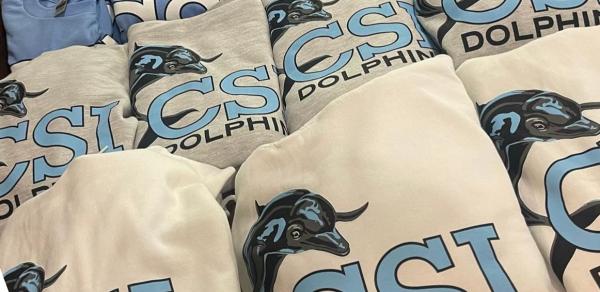
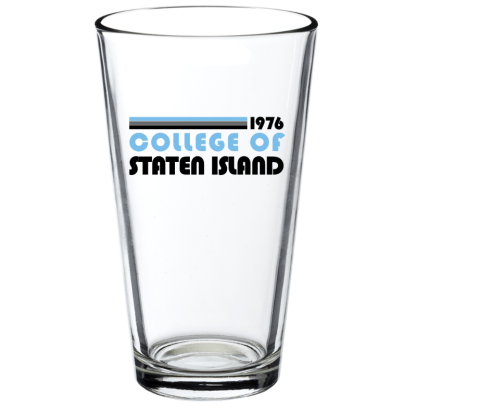
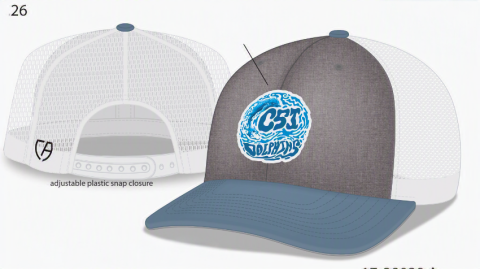
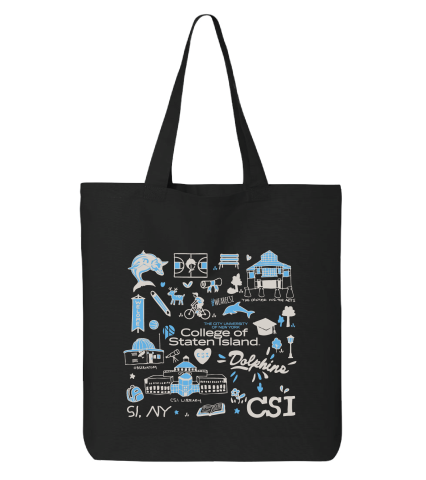
Our Dolphin Dash Mobile Store is a quick and convenient way to access items when you are on campus. We carry school supplies, electronics, toiletries, spirit gear and apparel!
Download the mobile APP, place your order, and pick-up your items. It’s just that easy!
Download the APP today and start shopping!
Stop by Dolphin Services in 3A to shop the latest CSI gear!
Styles, sizes & availability may vary.
Image

Image

Image

Image

Image
Image

Image
Image
Instructions to Download the Mobile Ordering App
Steps for installing mobile ordering app:
- Download App
- Open App and scroll until you find College of Staten Island
- Login using your CSI email address and password (full address using @CIX.CSI.CUNY.EDU)
- Select Main Cafe
- Download the App “Transact Mobile Ordering”
QR Download link (Android)
Image
Play Store
https://play.google.com/store/apps/details?id=com.blackboard.mobileorder&hl=en_US&gl=USQR Download link (IOS)
Image
App Store
https://apps.apple.com/us/app/transact-mobile-ordering/id1494719529 - Open App and scroll until you find College of Staten Island, then click “Continue”
iPhone users will be asked to select an app icon - Click “Log In With Campus ID”, login using your CSI email address and password
(full address using FirstName.LastName@CIX.CSI.CUNY.EDU)
iPhone users will be asked for app permissions (to allow the app to use your location services), please choose the option you are most comfortable with. - Click “Dolphin Dash”